Familiar market quotes
Read symbol names, prices, and percentage changes in a clear compact list.
MACBOOK NOTCH STOCK TICKER
Stock Island turns the unused space around the MacBook camera area into a calm place for market quotes. It looks like part of the hardware when closed and expands naturally when you want the full watchlist.
Then unlock with a one-time purchase. No subscription or automatic charges.
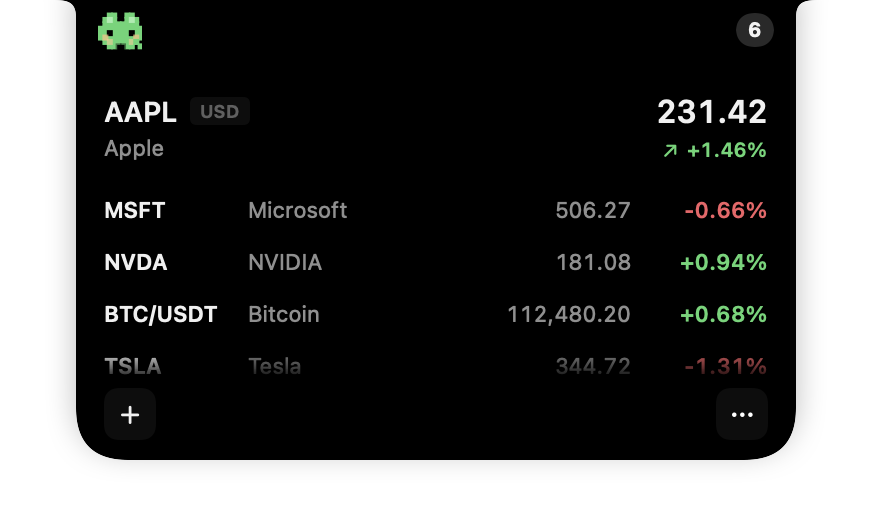
Product demonstration with sample quotes; not live market data.
01 / NOTCH NATIVE
The compact state aligns with the MacBook notch, so it can stay present without competing with the rest of your menu bar. Move the pointer to the island and the quote panel grows downward from the same point.
This keeps the interaction predictable: the market is always in one place, but the larger interface appears only when you ask for it.
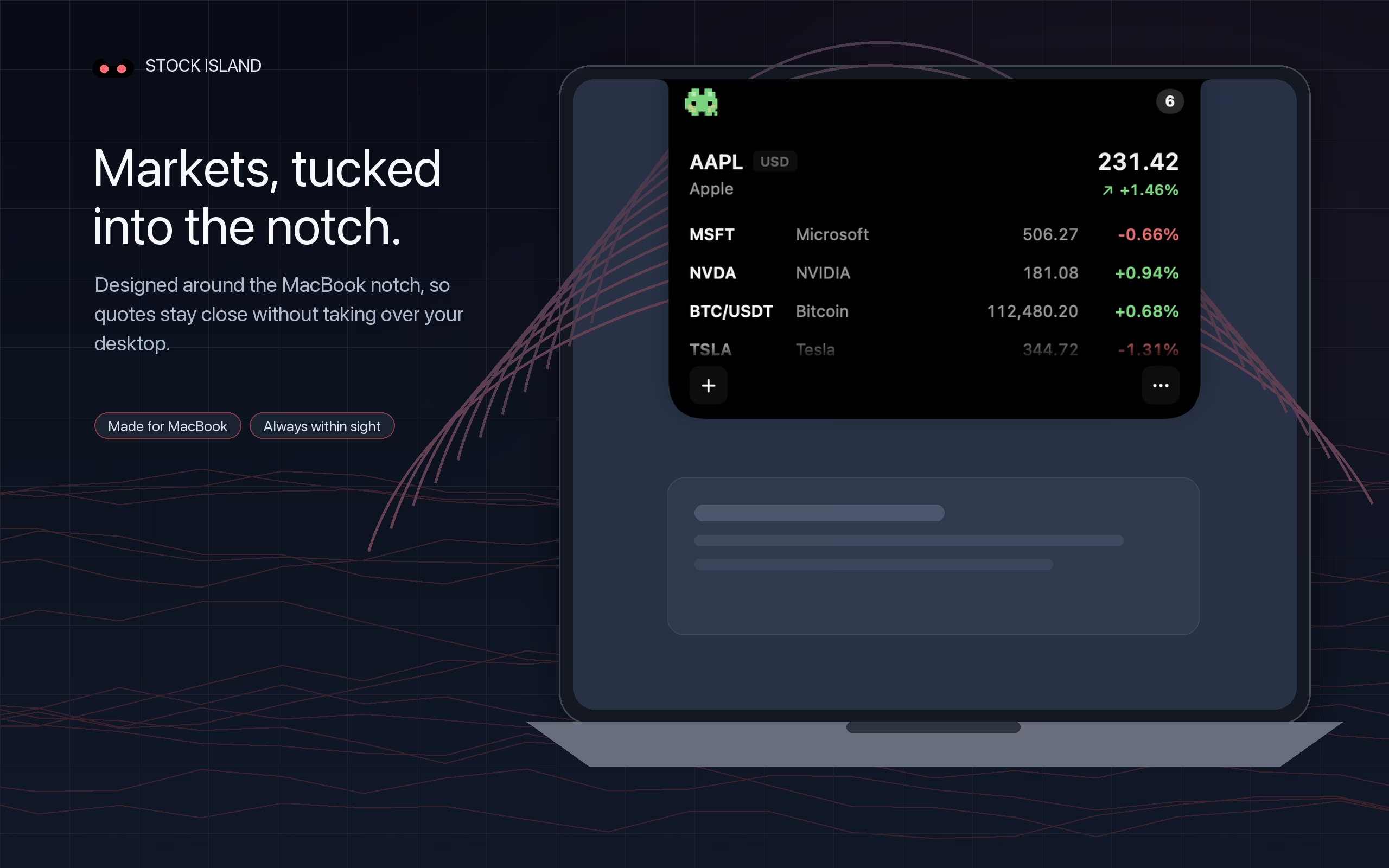
Read symbol names, prices, and percentage changes in a clear compact list.
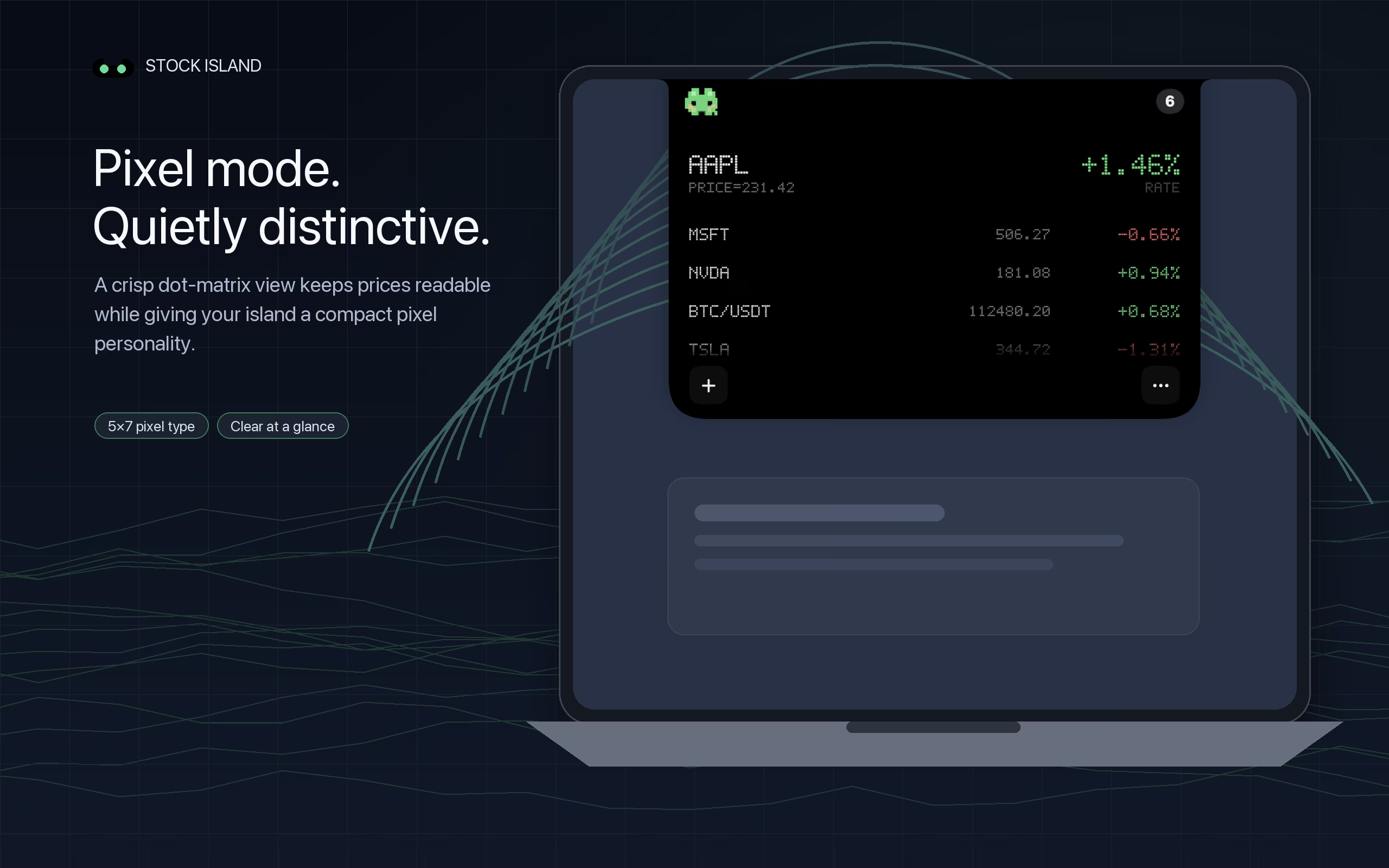
Keep real values readable up close while making them less obvious from across the room.
Give the ticker a crisp pixel style that still fits the restrained shape of the island.
02 / BEYOND THE NOTCH
A hardware notch is the most natural home for Stock Island, but it is not a requirement. On a notchless Mac or external monitor, the app can use a compact floating position at the top of the display.
That means the same watchlist can stay available as your desk setup changes, without forcing you into a separate window.
03 / FIRST CHECK
Install on macOS 13 or later, add a few symbols, then hover over the island and move away to check the expanded and compact views. Test your usual full-screen apps, desktop transitions and external display during the seven-day trial. The ticker is not guaranteed to stay above every window.
Set up a workday watchlist →QUESTIONS
It is a compact market display designed around the camera cutout at the top of a notched MacBook screen. Stock Island uses that area for a collapsed quote and expands the watchlist from the notch when you interact with it.
Stock Island is designed around the camera area rather than treating it as usable display space. The interface visually integrates with the notch while leaving the camera hardware where it is.
Yes. When a display does not have a hardware notch, Stock Island can remain available as a compact floating ticker at the top of the screen.
The compact ticker remains small at the top of the display. Hover over the island to expand the watchlist, then move away to let it fold back. Visibility can depend on full-screen apps and your desktop or display arrangement.
STOCK ISLAND FOR MAC
Try all features free for 7 days, then unlock with a one-time purchase.
One-time unlock after the trial. No subscription or automatic charges.
Apple silicon & Intel Macs · macOS 13 or later · No account required