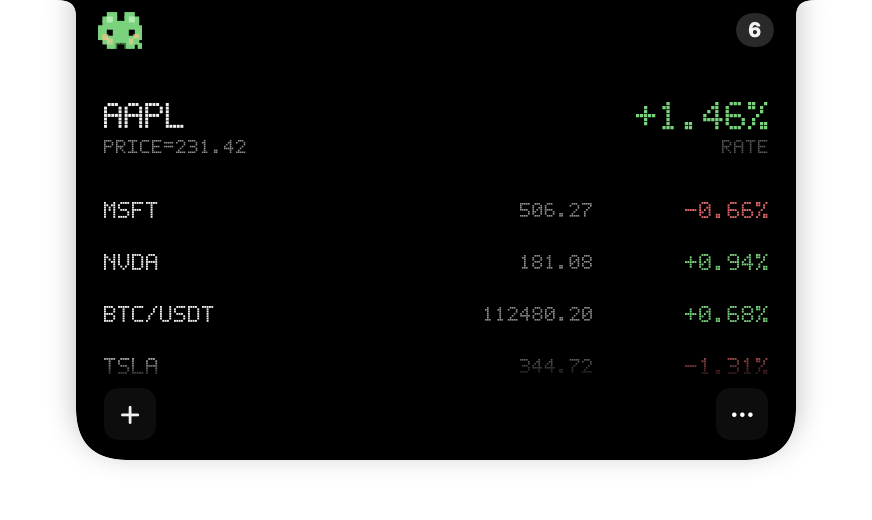
PIXEL MODE
Quietly distinctive.
A crisp dot-matrix view with a little more personality.
STOCK ISLAND FOR MAC
Keep an eye on stocks and crypto while you write, code, or work. A compact Mac ticker keeps quotes in the notch, so your workspace stays yours.
Try all features free for 7 days. Then unlock with a one-time purchase. No subscription or automatic charges.
MacBook notch or a compact floating ticker on displays without a notch.

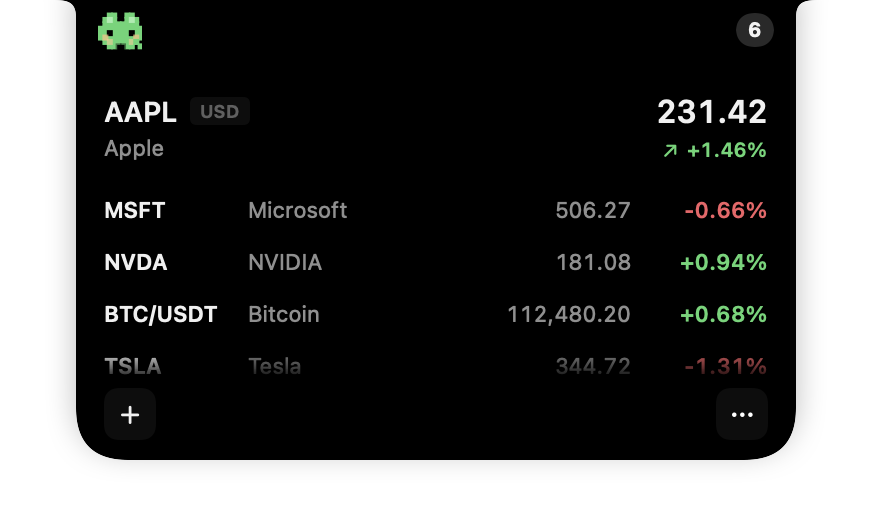
Hover the notch to wake the island Tap the notch to wake the island
01 / NOTCH NATIVE
Built around the camera area. It disappears when closed and grows naturally from the notch.
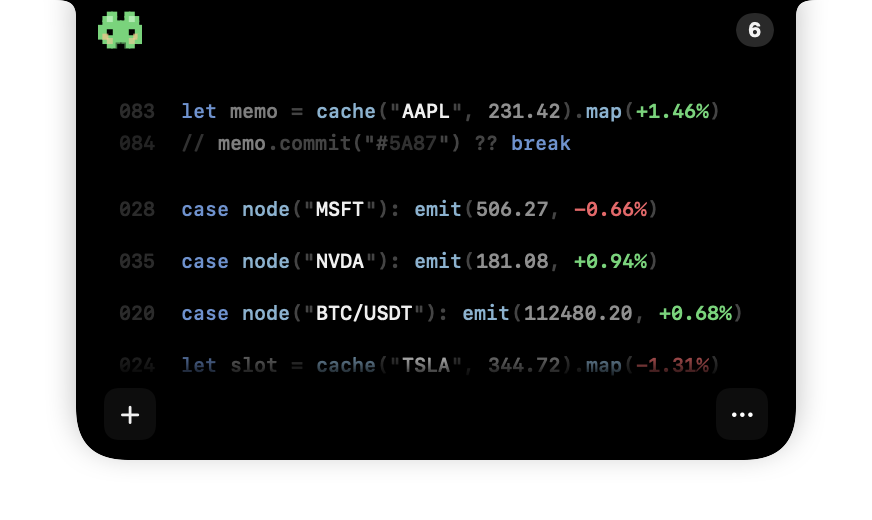
02 / STEALTH MODE
Turn quotes into code-like lines for a quick, discreet glance.
Track stocks while you work → 03 / MAKE IT YOURS
PIXEL MODE
A crisp dot-matrix view with a little more personality.
MARKET COMPANIONS
Cat or Slime reacts to the market with you.
04 / ONE COMPACT VIEW
Keep stocks and crypto together in one compact watchlist.
Market coverage varies by region and data availability. Quotes may be delayed.
05 / QUIET BY DEFAULT
No account. Your watchlist and preferences stay on your Mac.
Preferences stay on your Mac.
Six interface languages.
There only when you need it.
06 / DISCOVER
Explore focused guides for Mac stock tracking, the MacBook notch, and a calmer market workflow.
A focused ticker for stocks and crypto that stays close to your work.
Explore → MACBOOK NOTCH TICKERSee how the island expands naturally from the camera area.
Explore → PRACTICAL GUIDECompare Stocks, widgets, menu bar apps, and a notch-native ticker.
Read the guide → STOCKS + CRYPTOChoose the intended pair and understand quote timing.
Explore → COMPARE MAC APPSCompare six tools by display position, features and purchase model.
Read the guide → STOCKS WIDGETSSet up Apple's Stocks widget, then choose a view for the way you work.
Read the guide →STOCK ISLAND FOR MAC
Stock Island is now available on the Mac App Store.
Try all features free for 7 days. Then unlock with a one-time purchase. No subscription or automatic charges.
Apple silicon & Intel Macs · macOS 13 or later · Optimized for notched MacBooks